
Turn a photo into a video with AI
Make your photos move: a smile, a turn of the head, wind in the hair, a slow camera push. Pavo AI animates portraits, selfies, pets, travel shots and old family photos with Kling 2.5 Turbo Pro, in the browser on your phone or computer.
What do you want to create today?
Text to video, image to video and AI image generation — with a library of ready-to-run prompts.
- Text to video
- Image to video
- AI images
- 170+ prompts
This generation costs 42 credits.
Try an image
How it works
1
Pick a clear photo
One main subject, good light. Upload it with the image button below.
2
Say what should move
Keep it simple: “she smiles and waves at the camera, gentle breeze”.
3
Generate
A 5s clip is 42 credits, and your first one is free. Download it from My works.
Prompt ideas to start from
Covers from our prompt library. Open one to copy its prompt into the box above.

Modern Rural Aesthetics Healing Short Film Video Prompt
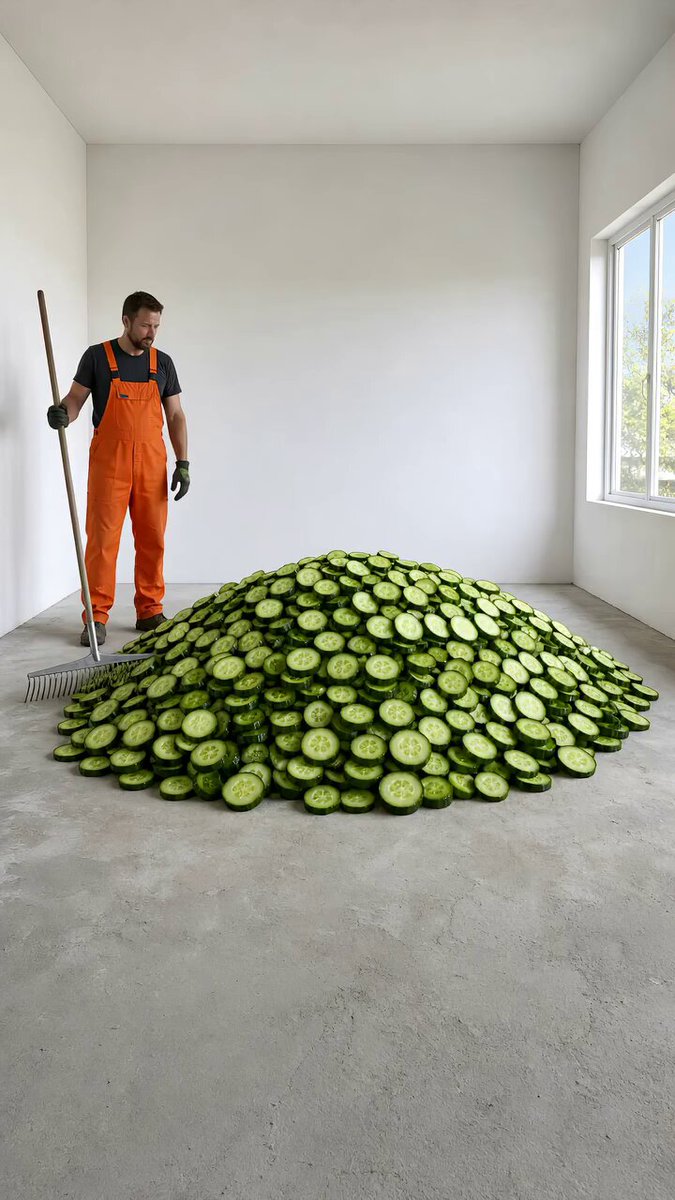
Cucumber Floor Renovation Time-lapse

Keys Floor Renovation Time-lapse
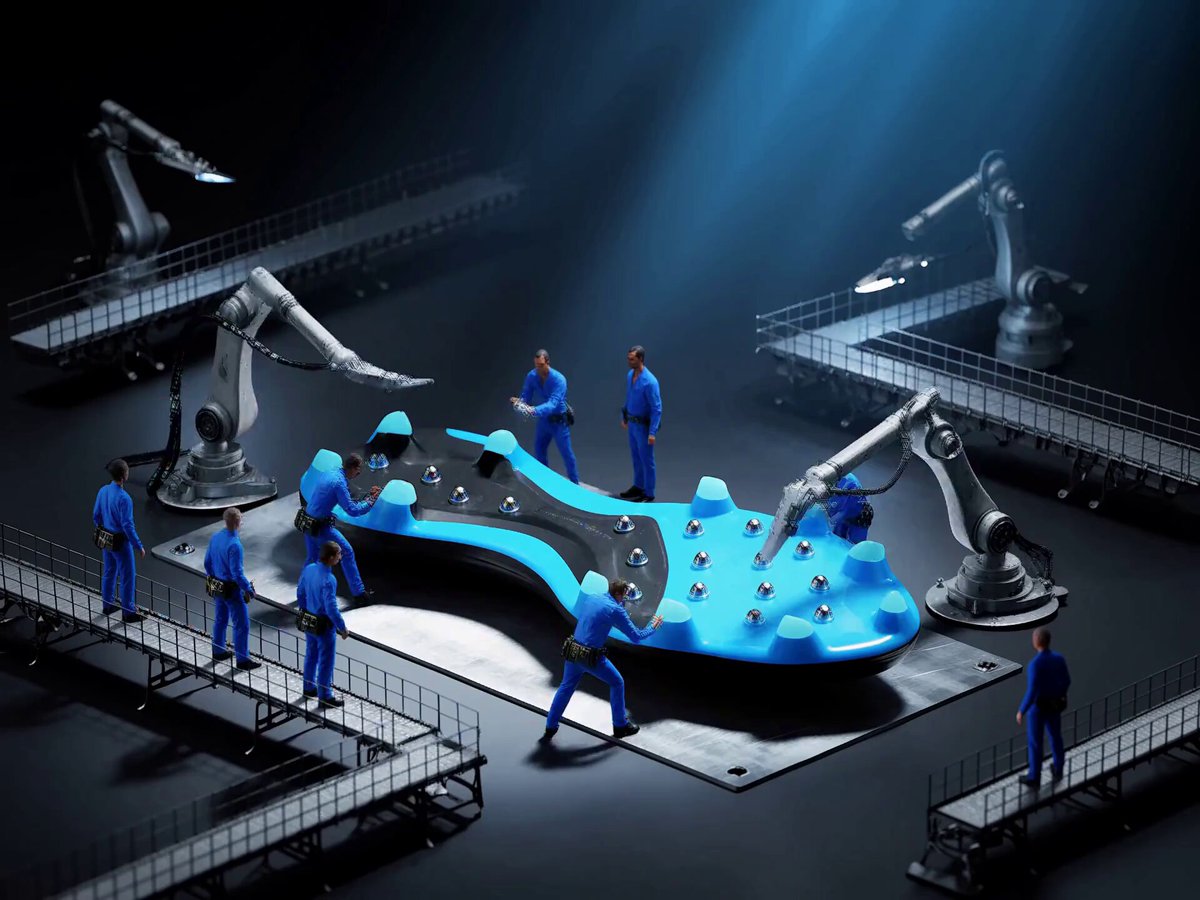
Adidas Football Boot Assembly Timelapse
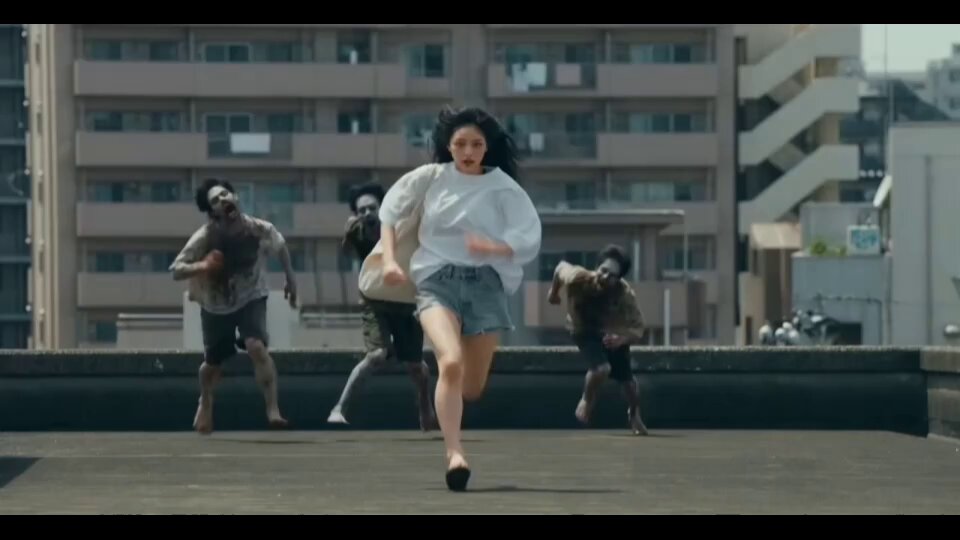
Korean Woman Action Sequence in City Chaos

Seashell Terrazzo Floor Renovation
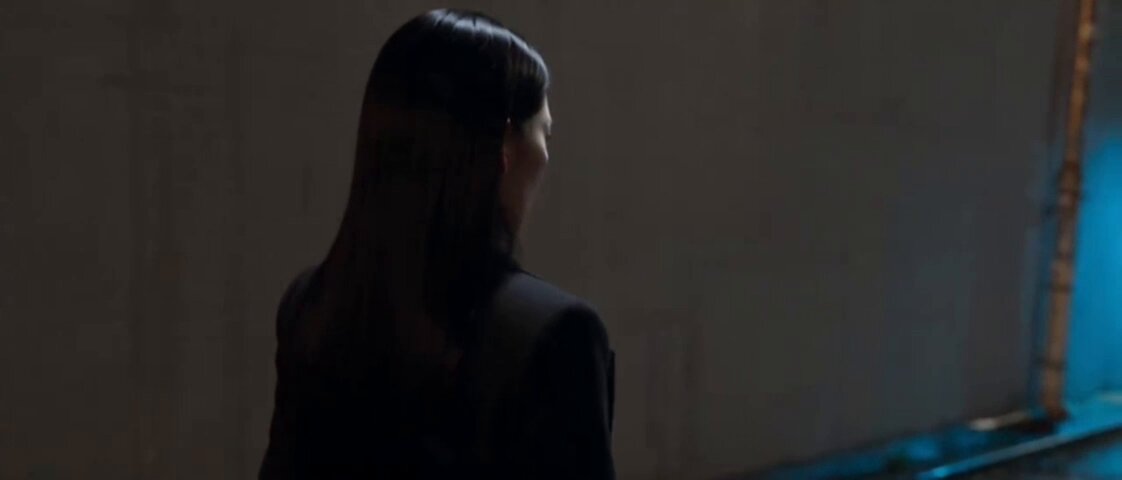
Korean Drama Silent Encounter Scene
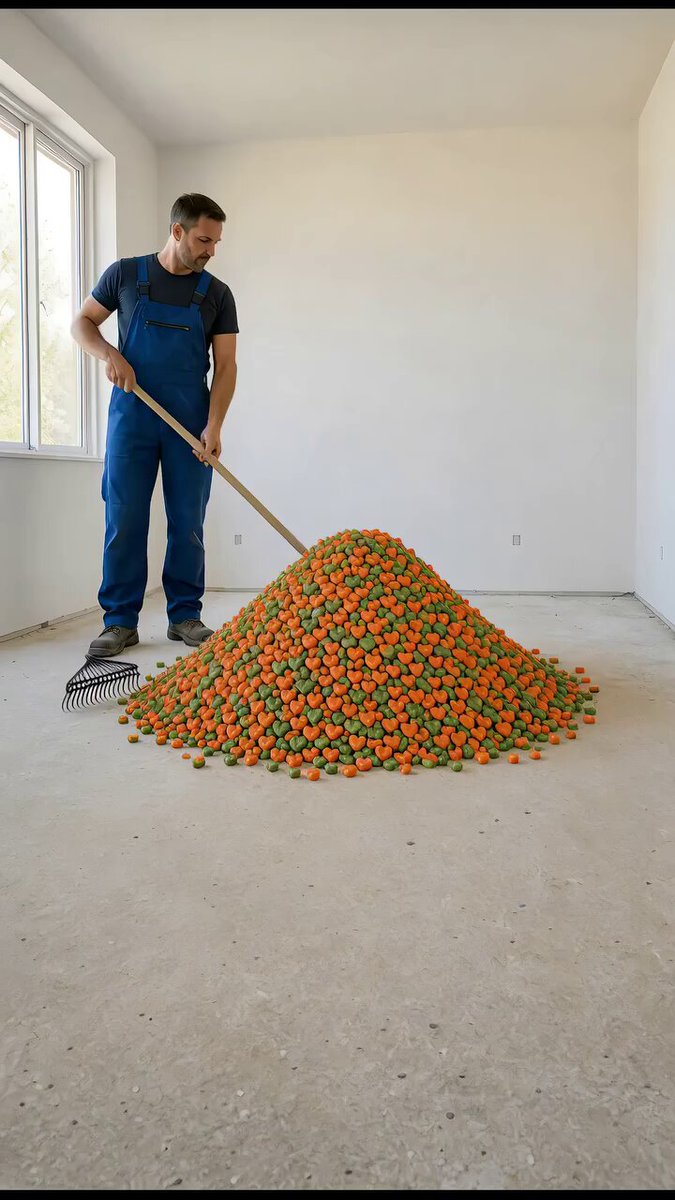
Heart-Shaped Candy Floor Renovation
Credits and free usage
- Wan 2.65s · 70 credits / 10s · 140 credits
- Kling 2.5 Turbo Pro5s · 42 credits / 10s · 84 credits
Signed-in users get 30 free credits every day (reset 00:00 UTC, not cumulative), 45 credits at sign-up, and the first Kling 2.5 Turbo 5s video free. Packs start at $4.99. See plans and credit packs