
Text to video AI
Type a scene and get a video. Pavo AI runs Kling 2.5 Turbo Pro and Wan 2.6 for text-to-video, with a library of 170+ prompts you can copy and tweak: cinematic shots, ads, music-video moments, VFX.
What do you want to create today?
Text to video, image to video and AI image generation — with a library of ready-to-run prompts.
- Text to video
- Image to video
- AI images
- 170+ prompts
This generation costs 42 credits.
Try an image
How it works
1
Write or copy a prompt
Describe subject, action, setting, lighting and camera. Browse the prompt library for ideas.
2
Choose a model and ratio
Kling 2.5 Turbo: 16:9, 9:16 or 1:1. Wan 2.6: 720p.
3
Generate
Kling 5s 42 credits (first one free), Wan 5s 70 credits.
Prompt ideas to start from
Covers from our prompt library. Open one to copy its prompt into the box above.
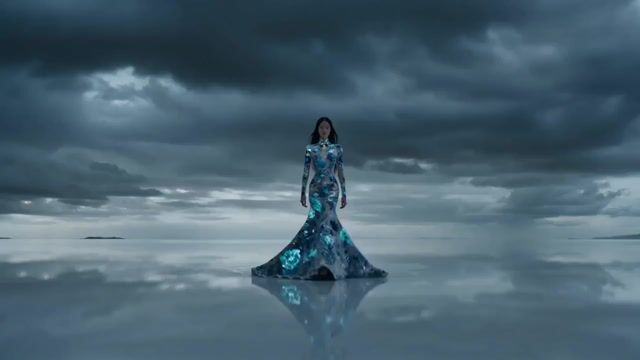
Hollywood Haute Couture Fantasy Video Prompt
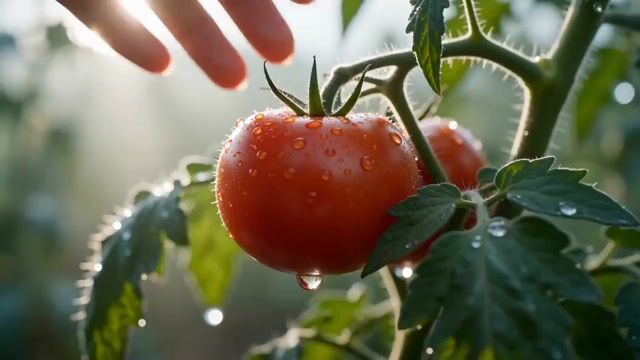
Modern Rural Aesthetics Healing Short Film Video Prompt
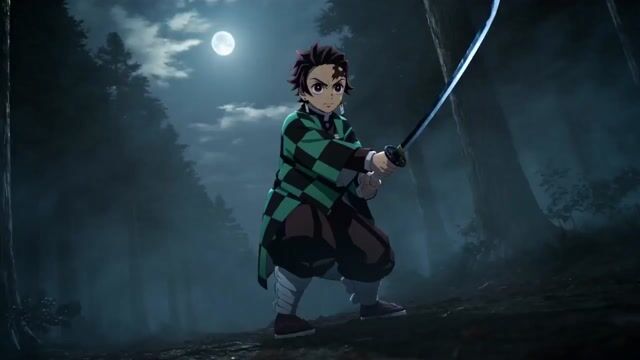
Live-Action Anime Adaptation: Water vs. Thunder Breathing Duel
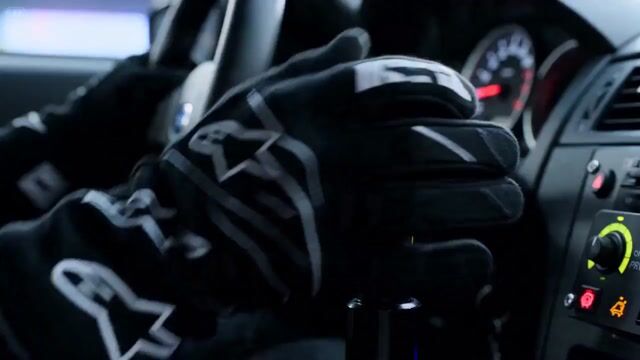
Cinematic Street Racing Sequence for Seedance 2
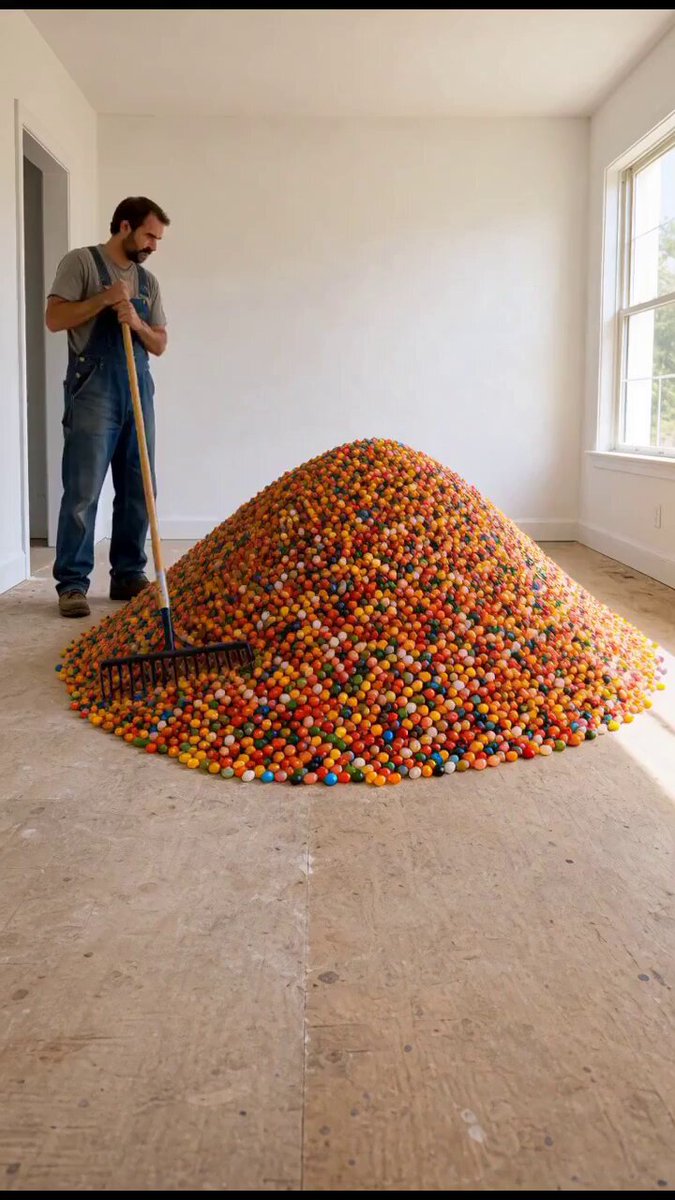
Jelly Bean Candy Terrazzo Floor
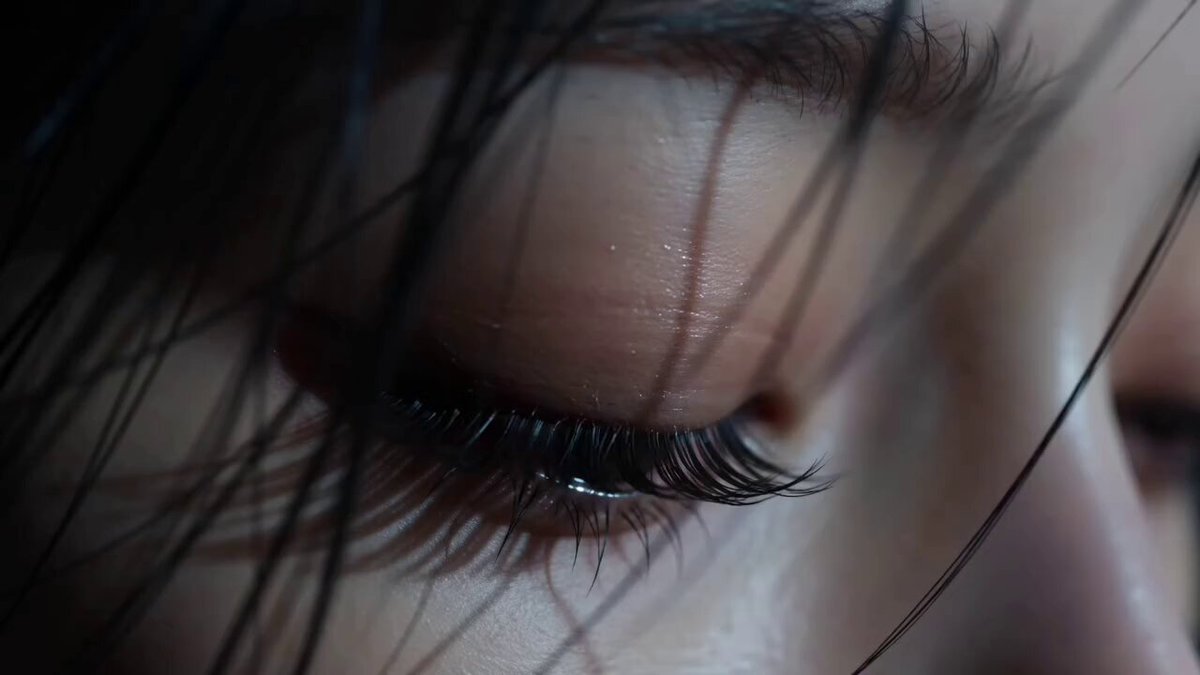
Cinematic Beauty Portrait Close-Up
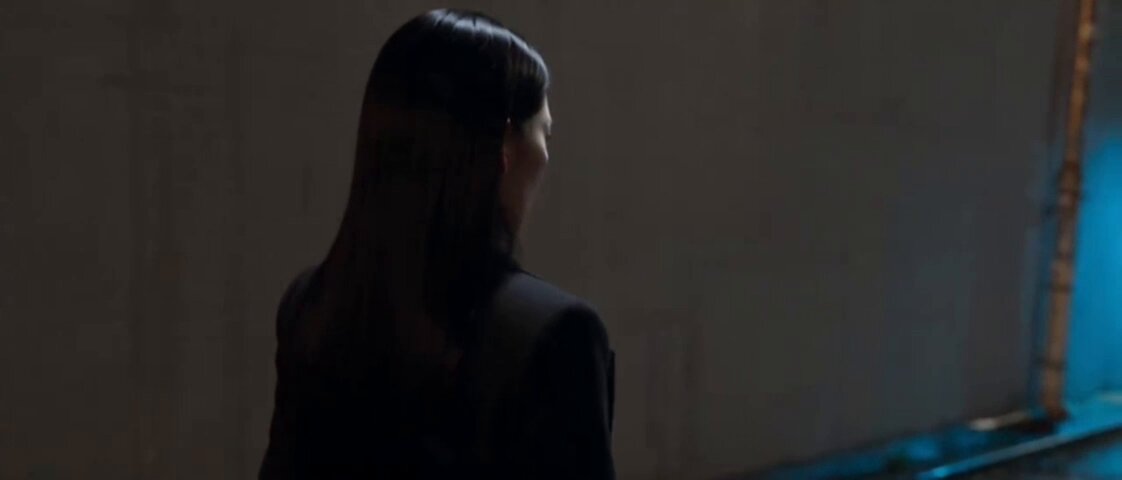
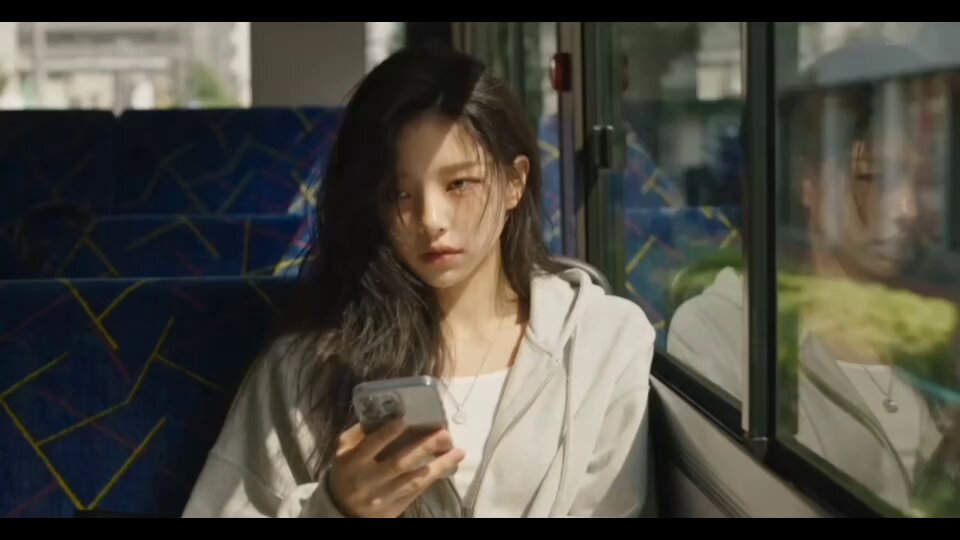
Korean Drama Silent Encounter Scene
Zoo Lion Attack Cinematic Video
Credits and free usage
- Wan 2.65s · 70 credits / 10s · 140 credits
- Kling 2.5 Turbo Pro5s · 42 credits / 10s · 84 credits
Signed-in users get 30 free credits every day (reset 00:00 UTC, not cumulative), 45 credits at sign-up, and the first Kling 2.5 Turbo 5s video free. Packs start at $4.99. See plans and credit packs